Applying for Social Security Online: A Step-by-Step 2026 Walkthrough

Navigating the complexities of government benefits can often feel daunting, especially when it comes to something as crucial as your Social Security benefits. As we step into 2026, the Social Security Administration (SSA) continues to streamline its online application process, making it more accessible and efficient than ever before. This comprehensive guide is designed to walk you through every step of how to apply Social Security online, ensuring you have all the necessary information, documents, and tips for a successful application.
Applying for Social Security benefits is a significant milestone, marking a new chapter in your life, whether it’s for retirement, disability, or survivor benefits. The convenience of applying online from the comfort of your home cannot be overstated. However, a smooth application process hinges on preparation and understanding the requirements. This article will break down the entire journey, from understanding eligibility to submitting your final application, with a specific focus on the 2026 landscape.
Understanding Social Security Benefits in 2026
Before you even begin to apply Social Security online, it’s crucial to understand the different types of benefits available and which one applies to your situation. The Social Security Administration offers several programs, each with its own set of eligibility criteria:
Retirement Benefits
These are the most common type of benefits. To qualify, you need to have worked and paid Social Security taxes for a certain number of years, earning ‘credits.’ In 2026, the number of credits required to be fully insured remains 40 credits, typically earned over 10 years of work. Your Full Retirement Age (FRA) depends on your birth year. For those born in 1960 or later, the FRA is 67. You can start receiving benefits as early as age 62, but your monthly benefit amount will be permanently reduced. Conversely, delaying benefits past your FRA, up to age 70, can increase your monthly payment.
Disability Benefits
If you have a severe medical condition that prevents you from working for a year or more, or is expected to result in death, you might be eligible for Social Security Disability Insurance (SSDI). Eligibility is based on your work history and the severity of your condition. The application process for disability benefits is often more complex and may require detailed medical records and evaluations. While you can initiate the application online, it often involves follow-up appointments and additional documentation.
Survivor Benefits
If you are the widow, widower, or child of a worker who died, you might be eligible for survivor benefits. The deceased worker must have earned enough Social Security credits for their family members to be eligible for benefits. Specific rules apply regarding age, marital status, and dependency for children. This type of benefit provides crucial financial support during a difficult time.
Supplemental Security Income (SSI)
SSI is a needs-based program for aged, blind, or disabled individuals with limited income and resources. Unlike Social Security benefits, SSI is not based on your work history or the work history of a family member. While you can inquire about SSI online, the application process for SSI often requires an in-person interview due to the detailed financial information needed. However, you can start the process of how to apply Social Security online for this as well, and the SSA will guide you.
Key Changes and Considerations for 2026
While the fundamental process of how to apply Social Security online remains consistent, it’s essential to be aware of any adjustments or updates for 2026. The SSA regularly reviews its policies, cost-of-living adjustments (COLAs), and earnings limits. Always refer to the official SSA.gov website for the most current information. Typically, the maximum earnings subject to Social Security tax, the maximum Social Security benefit, and the earnings limits for those receiving benefits before their full retirement age are updated annually. Staying informed about these changes can impact your application strategy and expected benefit amounts.
Step-by-Step Guide: How to Apply Social Security Online
The online application process is designed to be user-friendly, but having a clear roadmap can prevent errors and delays. Here’s a detailed walkthrough for how to apply Social Security online in 2026:
Step 1: Gather Your Documents and Information
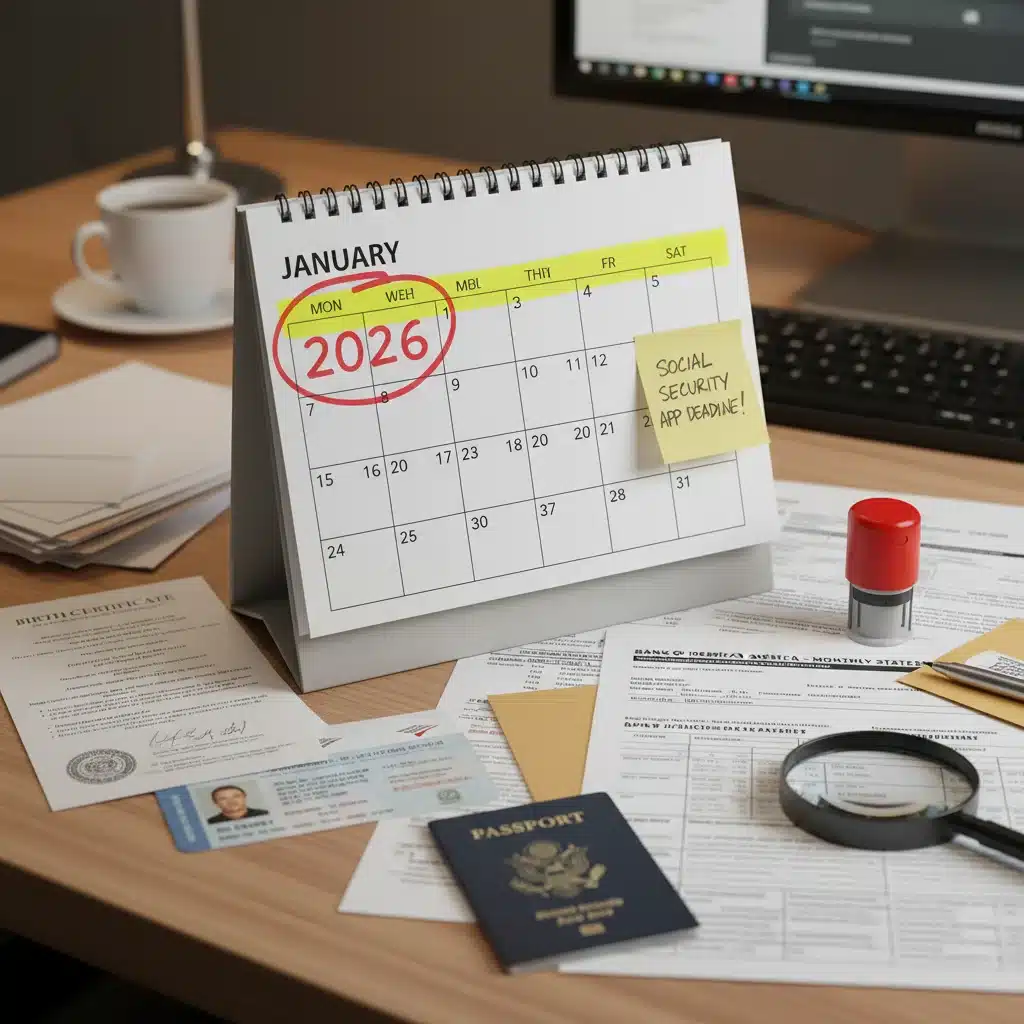
Preparation is key. Before you even log in, collect all necessary documents and information. This will make the application process much smoother and reduce the chances of needing to stop and search for information. Here’s a checklist:
- Social Security Number: Your own, and if applying for spousal or survivor benefits, the Social Security number of your spouse or deceased spouse.
- Birth Certificate: Original or certified copy.
- Proof of U.S. Citizenship or Lawful Alien Status: If you were not born in the U.S. (e.g., U.S. passport, Green Card).
- Marriage Certificate: If applying for spousal or survivor benefits.
- Divorce Decrees: If applicable, for all previous marriages.
- Military Discharge Papers (DD Form 214): If you served in the U.S. military.
- W-2 Forms and/or Self-Employment Tax Returns (Form 1040 Schedule SE) for the last two years: While the SSA usually has this information, it’s good to have it handy.
- Bank Account Information: For direct deposit of your benefits (account number and routing number).
- Names and Dates of Birth of Your Children: If you are applying for benefits for them, or if they are under 18 (or under 19 and a full-time student in elementary or secondary school).
- Name of Your Employer(s) and Dates of Employment: For the past two years.
- Medical Records: If applying for disability benefits (doctors’ names, addresses, phone numbers, treatment dates, and copies of medical reports).
Having these documents physically present or easily accessible digitally will significantly speed up the process of how to apply Social Security online.
Step 2: Create a ‘my Social Security’ Account (If You Don’t Have One)
The ‘my Social Security’ account is your gateway to managing your Social Security information online. If you don’t already have one, you’ll need to create it. Visit SSA.gov/myaccount and follow the prompts. This account allows you to:
- Check your earnings record.
- Get an estimate of your future benefits.
- Review your Social Security Statement.
- Apply for benefits.
- Manage your benefits once approved.
Creating this account is a prerequisite for a seamless online application experience. Ensure your identity is securely verified during the account creation process.
Step 3: Access the Online Application Portal
Once logged into your ‘my Social Security’ account, look for the ‘Apply for Benefits’ section. The SSA website is designed to guide you through the application process based on the type of benefit you’re seeking (retirement, disability, or Medicare only). Make sure to select the correct benefit type to avoid delays.
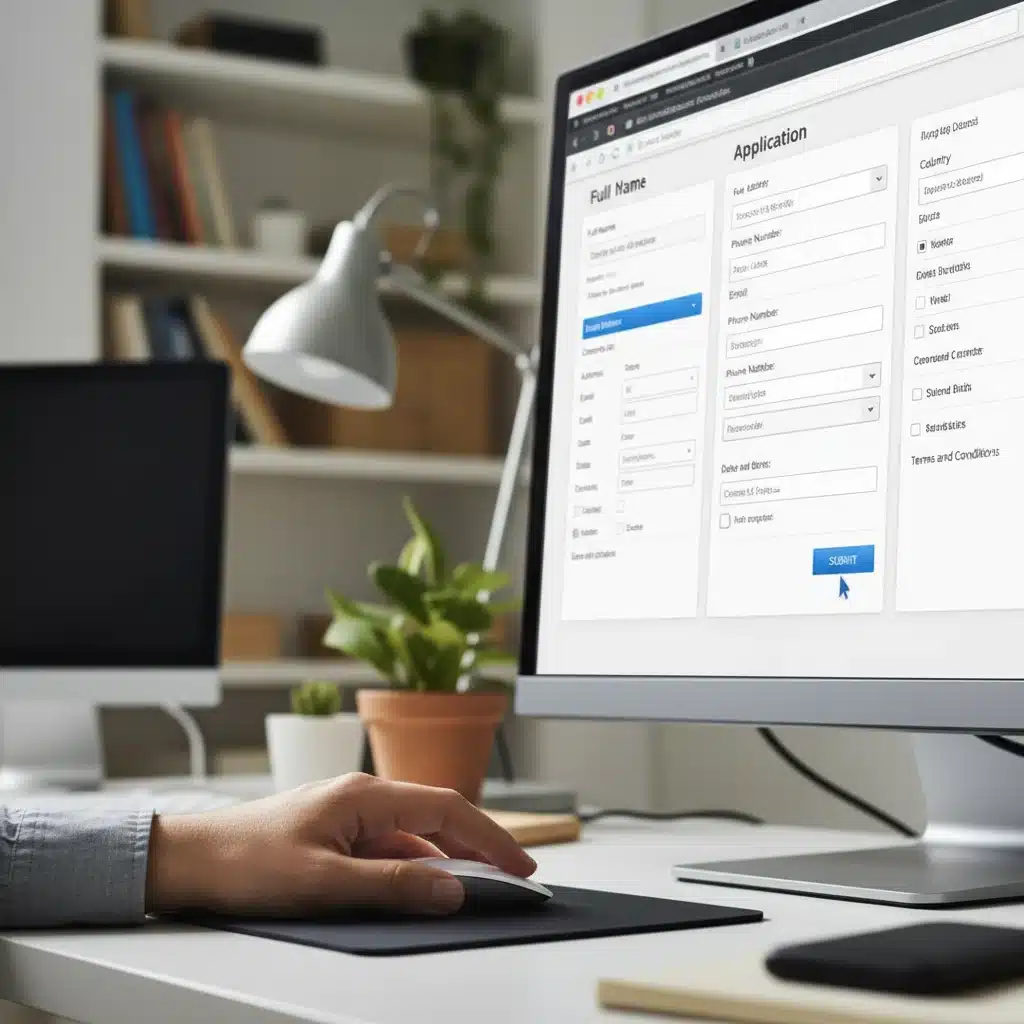
Step 4: Complete the Online Application Form
The online application is divided into several sections. Take your time to accurately fill out each part. The system allows you to save your progress and return to your application later if you need to gather more information or take a break. Your application will be saved for up to 90 days.
- Personal Information: Name, date of birth, place of birth, gender, and contact information.
- Work History: Details about your employment, including employers’ names, dates of employment, and earnings. The SSA will cross-reference this with their records.
- Medical Information (for Disability): If applying for disability, you’ll need to provide detailed information about your medical conditions, doctors, treatments, and medications.
- Dependents’ Information: If you have eligible dependents, you’ll need to provide their information.
- Direct Deposit Information: Your bank’s routing number and your account number for benefit payments.
Be meticulous when entering information. Even small errors can lead to processing delays. Double-check all dates, numbers, and spellings before moving to the next section when you apply Social Security online.
Step 5: Review and Submit Your Application
Before final submission, the SSA system will prompt you to review your entire application. This is a critical step. Read through every section carefully to ensure accuracy and completeness. Once you are confident that all information is correct, click the ‘Submit’ button.
After submission, you will receive a confirmation number. It is extremely important to save this number, as it will be your reference for any future inquiries about your application status. The SSA will also provide an estimated processing time and instructions on how to check the status of your application online.
What Happens After You Apply?
Once you successfully apply Social Security online, the waiting period begins. The SSA will review your application and verify the information you provided. The processing time can vary depending on the type of benefit and the complexity of your case. For retirement benefits, it might be relatively quick, while disability applications typically take longer due to the need for medical evaluations.
- Confirmation: You’ll receive a confirmation letter or email with your application number.
- Contact from SSA: The SSA may contact you if they need additional information or clarification. Respond promptly to any requests to avoid delays.
- Decision Notification: You will receive a letter informing you of the SSA’s decision regarding your benefits.
- Appeals Process: If your application is denied, you have the right to appeal the decision. The denial letter will provide instructions on how to initiate the appeals process, which typically involves several stages.
Tips for a Smooth Online Application
To maximize your chances of a hassle-free experience when you apply Social Security online, consider these practical tips:
- Start Early: Don’t wait until the last minute. Give yourself ample time to gather documents and complete the application without feeling rushed. For retirement benefits, you can apply up to four months before you want your benefits to start.
- Use a Reliable Internet Connection: A stable internet connection will prevent interruptions that could lead to lost progress or frustration.
- Use a Secure Computer: Apply from a private and secure computer to protect your personal information. Avoid using public computers for sensitive applications.
- Keep Records: Print or save copies of your application, confirmation number, and any correspondence with the SSA.
- Be Honest and Accurate: Provide truthful and accurate information. Misrepresentation can lead to severe penalties.
- Assuming You’re Not Eligible: Many people mistakenly believe they aren’t eligible for benefits. It’s always worth checking your eligibility and applying. The worst that can happen is a denial, which you can then appeal.
- Applying Too Late: While you can apply up to four months in advance for retirement benefits, waiting until the month you want benefits to start can delay your first payment.
- Not Understanding Spousal/Survivor Benefits: These benefits have specific rules. For instance, a divorced spouse may be eligible for benefits based on an ex-spouse’s record, even if the ex-spouse has remarried, provided certain conditions are met. Research these rules carefully.
- Ignoring Earnings Limits (if applicable): If you plan to continue working while receiving benefits before your Full Retirement Age, be aware of the annual earnings limits. Exceeding these limits can result in a temporary reduction of your benefits.
Common Pitfalls to Avoid
Even with a step-by-step guide on how to apply Social Security online, certain mistakes are common. Being aware of these can help you avoid them:
- Incomplete Information: Failing to provide all requested information is a leading cause of delays. Ensure every mandatory field is filled out accurately.
- Incorrect Dates: Dates of birth, marriage, divorce, and employment are critical. Double-check them all.
- Not Responding to SSA Requests: If the SSA requests additional information, respond promptly. Ignoring these requests can lead to application denial.
- Assuming You’re Not Eligible: Many people mistakenly believe they aren’t eligible for benefits. It’s always worth checking your eligibility and applying. The worst that can happen is a denial, which you can then appeal.
- Applying Too Late: While you can apply up to four months in advance for retirement benefits, waiting until the month you want benefits to start can delay your first payment.
- Not Understanding Spousal/Survivor Benefits: These benefits have specific rules. For instance, a divorced spouse may be eligible for benefits based on an ex-spouse’s record, even if the ex-spouse has remarried, provided certain conditions are met. Research these rules carefully.
- Ignoring Earnings Limits (if applicable): If you plan to continue working while receiving benefits before your Full Retirement Age, be aware of the annual earnings limits. Exceeding these limits can result in a temporary reduction of your benefits.
Security and Privacy When Applying Online
The SSA takes the security of your personal information very seriously. When you apply Social Security online, you are interacting with a secure government website (SSA.gov). Look for ‘https://’ in the web address and a padlock icon in your browser’s address bar, indicating a secure connection. Always be vigilant against phishing scams and fraudulent websites. The SSA will never ask for personal information via unsolicited emails or text messages.
Creating a strong password for your ‘my Social Security’ account and enabling any available multi-factor authentication (MFA) will add an extra layer of security. Regularly review your account activity to detect any unauthorized access.
Understanding Your Social Security Statement
Your Social Security Statement is a vital document that provides a personalized estimate of your future benefits. It also shows your complete earnings record, the estimated Social Security and Medicare taxes you’ve paid, and information about disability and survivor benefits. You can access your statement at any time by logging into your ‘my Social Security’ account. Regularly reviewing this statement ensures that your earnings are accurately recorded, which is fundamental to determining your future benefits when you apply Social Security online or otherwise.
Reaching Out for Help
If you encounter any difficulties or have questions that aren’t answered on the SSA website, don’t hesitate to reach out for assistance:
- SSA Website: The official website (SSA.gov) is a treasure trove of information, including FAQs, publications, and benefit calculators.
- Toll-Free Number: You can call the SSA’s national toll-free number at 1-800-772-1213 (TTY 1-800-325-0778 for the deaf or hard of hearing). Representatives are available Monday through Friday.
- Local Social Security Office: While many services are available online, you can visit your local Social Security office for in-person assistance. It’s often advisable to call ahead to schedule an appointment.
Remember, the SSA is there to help you. Don’t let confusion or uncertainty deter you from applying for the benefits you’ve earned.
Conclusion
Applying for Social Security benefits online in 2026 is a straightforward process when approached with preparation and attention to detail. By understanding the types of benefits, gathering your documents, accurately completing the online form, and being mindful of key tips and potential pitfalls, you can ensure a smooth and successful application. Your Social Security benefits are a vital component of your financial security in retirement or during times of disability. Take advantage of the convenient online tools provided by the SSA to secure your future. With this comprehensive guide on how to apply Social Security online, you are well-equipped to navigate the process with confidence.